Video
Bring Your Photos to Life with AI Video (Free Methods)
Turn any still picture into a movie-like clip in minutes without spending a dime.
Beginner4 steps
About This Recipe
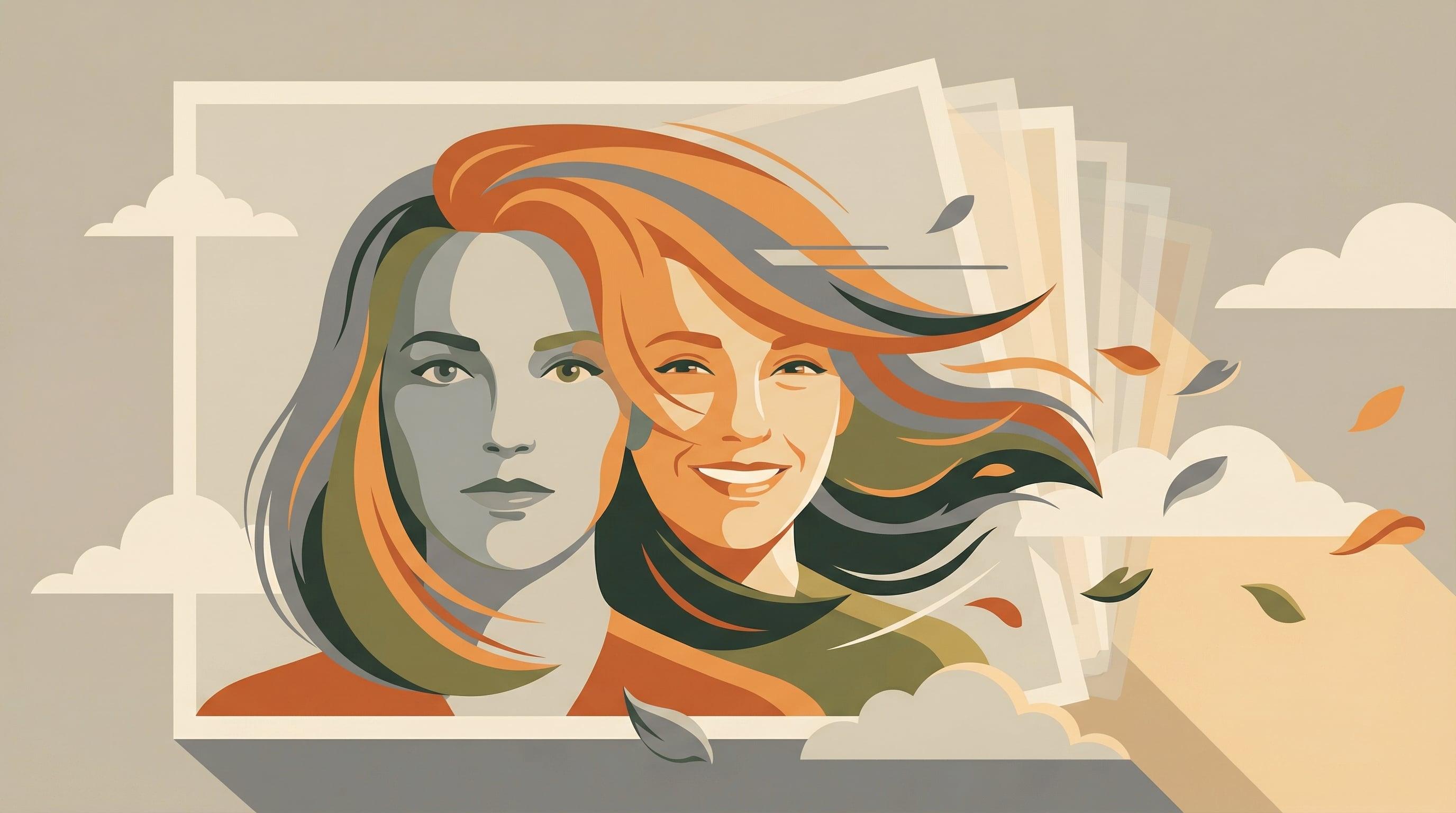
Have you ever looked at a photo and wished you could see the clouds moving or the person in it smile? Well, you can! AI tools have gotten really good at taking a flat image and figuring out how it should move. It’s like magic, but easier.
In this guide, we're going to walk through the best free tools out there. You don't need to be a pro editor or a tech wizard. Just grab a photo you like, and we’ll get it moving together. Ready? Let's go!
Before You Start
- A high-quality image file (JPG or PNG)
- A web browser (Chrome, Safari, or Edge work great)
- A free account for one of the tools (like Kling AI or Runway ML)
Steps
4 steps to complete this recipe
1
Pick a Great Photo
First things first, grab a clear photo. AI works best when the subjects are obvious and the lighting is good. If the photo is at least 1024x1024 pixels, you're in great shape. Think of it like this: the clearer the picture, the less the AI has to guess.
Simple backgrounds usually look cleaner. If the background is too busy, the AI might get a little confused about what's supposed to move.
2
Choose Your AI Tool
Okay, let's pick a tool. For free daily practice, I recommend Kling AI—they give you 66 credits every single day that refresh. If you want something that looks super professional, Runway ML is amazing. If you're animating a person's face, Luma AI is usually the winner.
Start with Kling AI if you're new. Since the credits refresh daily, you can experiment without feeling like you're wasting them.
3
Tell the AI How to Move
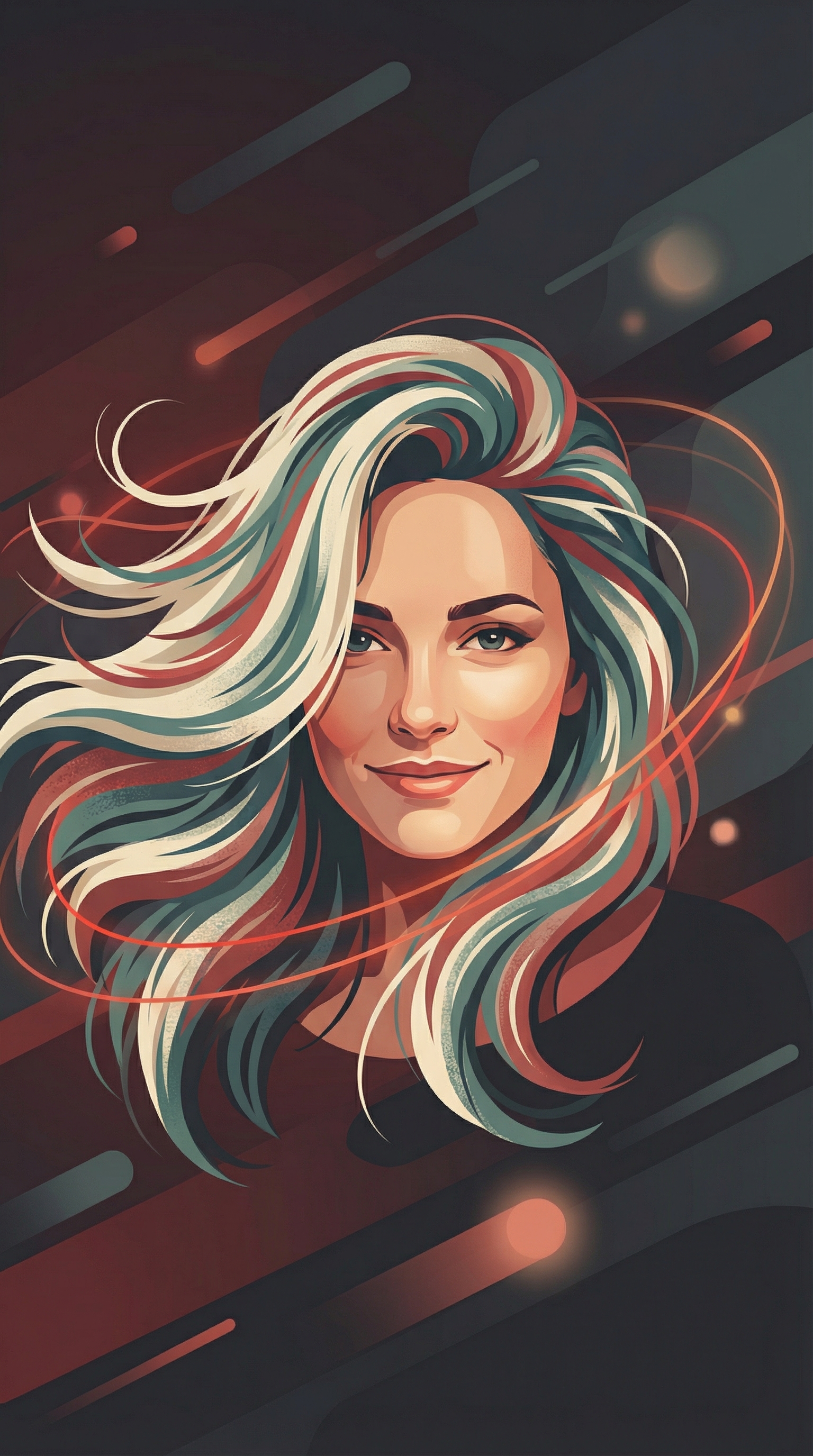
Now, we need to give the AI a little direction. In the 'Prompt' box, describe exactly what you want to see happen. Keep it simple! Focus on just one or two main movements, like hair blowing or the camera moving in.
Camera slowly zooms in, hair gently blowing, subtle smile fo...Using words like 'subtle' or 'slowly' helps keep the motion from looking too chaotic.
4
Generate and Check Your Work
Upload your image, hit 'Generate,' and wait. You'll see a progress bar—this part takes about a minute or two while the AI does its thing. Once it's done, hit play! If it's not perfect, don't worry. Just tweak your words a bit and try again.
Clouds drifting across sky, water rippling softly.If the motion looks 'wobbly,' try lowering the motion intensity setting if your tool has one.
Key Prompts
Ready-to-use prompts for this recipe
1
Natural Portrait Motion
Luma AICamera slowly zooms in, hair gently blowing, subtle smile forming2
Soft Landscape Animation
Kling AIClouds drifting across sky, water rippling softly.Variations & Alternatives
The 'Cinemagraph' Loop
Instead of moving the whole camera, describe only one small thing moving, like 'steam rising from a coffee cup' while everything else stays perfectly still.
Add a Soundscape
Take your finished clip into Mubert or Suno AI to generate a matching background track that fits the mood of your video.
Extend the Clip
Once your first 5 seconds are done, most tools have an 'Extend' button. This lets the AI look at the end of your video and keep the story going for another 5 seconds.

Related Recipes
Continue learning with these similar guides
Share Your Creation
Have a Recipe to Share?
Help the community learn by sharing your own AI creation workflows. Your recipe could inspire thousands of creators.
Submit Your Recipe