Image
Create Consistent Character Art with Midjourney
Generate the same character across multiple images — perfect for children's books and comics
Intermediate5 steps
About This Recipe
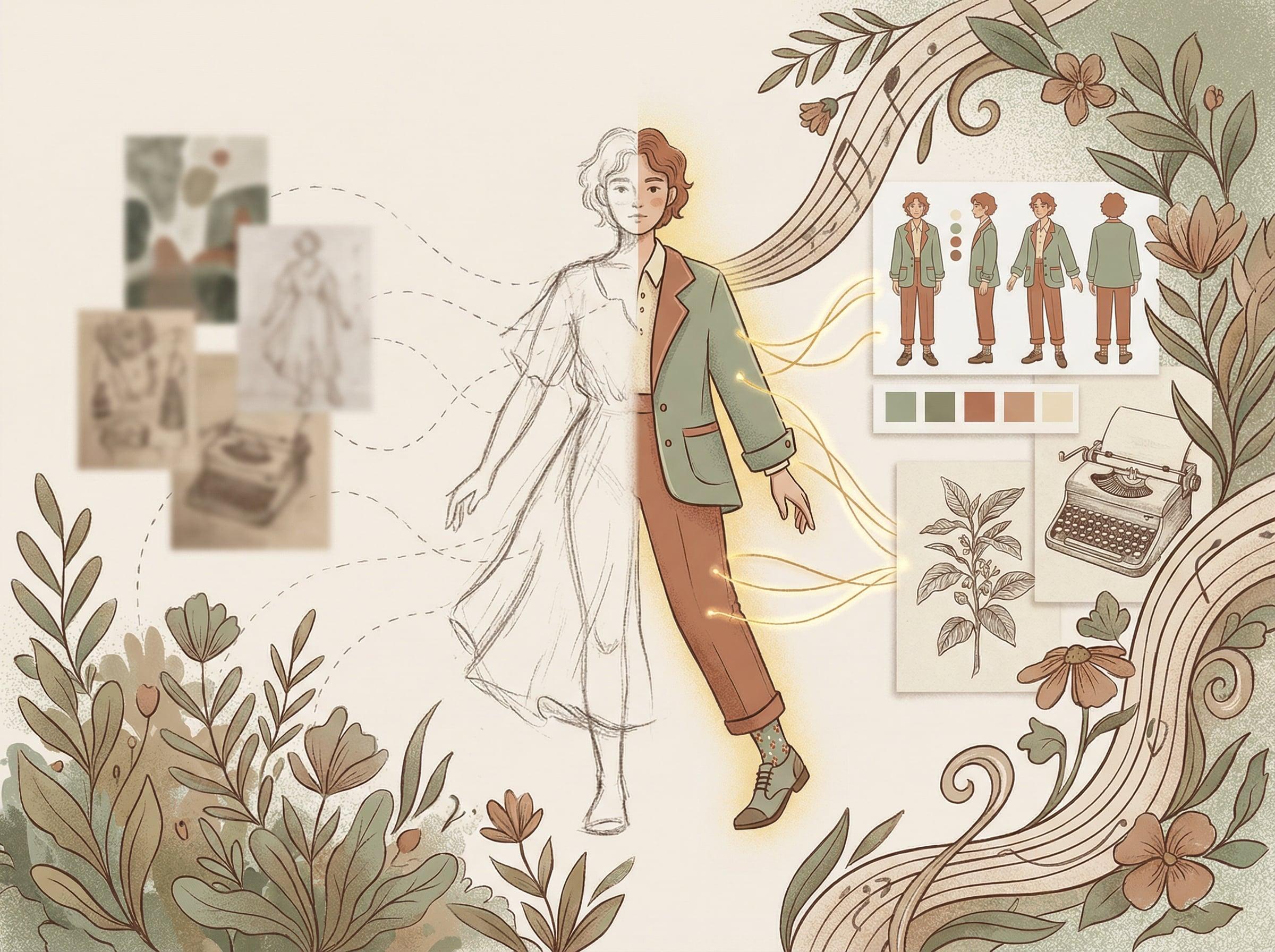
One of Midjourney's biggest challenges is character consistency. You create a perfect character, but the next image looks completely different.
In this recipe, I'll share the techniques that actually work — using style references, character sheets, and prompting strategies that maintain consistency across your visual narrative.
Before You Start
- Midjourney subscription (Basic $10/month minimum)
- Discord account
- Character concept in mind
Steps
5 steps to complete this recipe
1
Design Your Base Character
Start by creating a strong character reference. Include: Physical features (hair color, eye color, skin tone), Distinctive traits (glasses, freckles, scar), Clothing style, and Body type.
Prompt formula: '[Character description], character design, character sheet, multiple poses, full body, white background --ar 1:1 --v 6'
Generate several versions until you find one you love. This becomes your reference.
[age] [gender] with [hair description], [eye color] eyes, [d...Add "character design sheet" and "white background" — this creates cleaner references.
2
Use --cref for Character Reference
Midjourney's --cref parameter is the game-changer. Upload your character sheet, get the image URL.
New prompt formula: '[Scene description] --cref [image URL] --cw 100'
--cw (character weight) controls how strongly to match. 100 = very strong, 50 = moderate. Start with 100.
The character will now appear consistently in different scenes!
[Character name] [action] in [location], [mood] lighting, [s...--cref works best with clean, clear character references. Busy backgrounds in your reference = inconsistent results.
3
Combine with Style References
For even more consistency, add --sref (style reference) to lock in art style.
Create or find an image with the exact style you want. Use it as: '--sref [style URL] --sw 100'
Full formula: '[Scene] --cref [character URL] --cw 100 --sref [style URL] --sw 50'
Lower --sw (style weight) if it overpowers your character. Balance is key.
4
Generate Your Scene Sequence
Now generate each scene for your story. Keep your --cref consistent across all.
Use Claude to write scene descriptions: 'Write 5 scene descriptions for a story about [character] who [story]. Each scene should be a single, vivid image description suitable for illustration.'
Generate each scene. Use variations (V1-V4) to explore options while maintaining character.
5
Refine for Final Output
Review your sequence. For any inconsistencies: Re-generate with stronger --cw (try 100 if using less), try fewer scene elements to let character shine, use the same seed for related scenes.
Upscale final images. Consider slight post-processing in Canva or Photoshop for color consistency.
Some inconsistency is okay — even hand-drawn books have variation. Perfect consistency isn't always the goal.
Key Prompts
Ready-to-use prompts for this recipe
1
Character Sheet Prompt
Midjourney[description] character, character design sheet, multiple angles, full body, hea...2
Scene with Character Reference
Midjourney[character] [action] in [setting], [mood] atmosphere, [lighting], [art style] --...Variations & Alternatives
Childrens Book Style
Add "children book illustration, whimsical, soft colors" to your style.
Comic/Manga Style
Use "manga style" or "comic book art" with higher contrast.


Related Recipes
Continue learning with these similar guides
Share Your Creation
Have a Recipe to Share?
Help the community learn by sharing your own AI creation workflows. Your recipe could inspire thousands of creators.
Submit Your Recipe