Image
How to Make Your AI Character Look the Same Every Time
How to keep your character's face and style consistent across different scenes and outfits.
Intermediate6 steps
About This Recipe
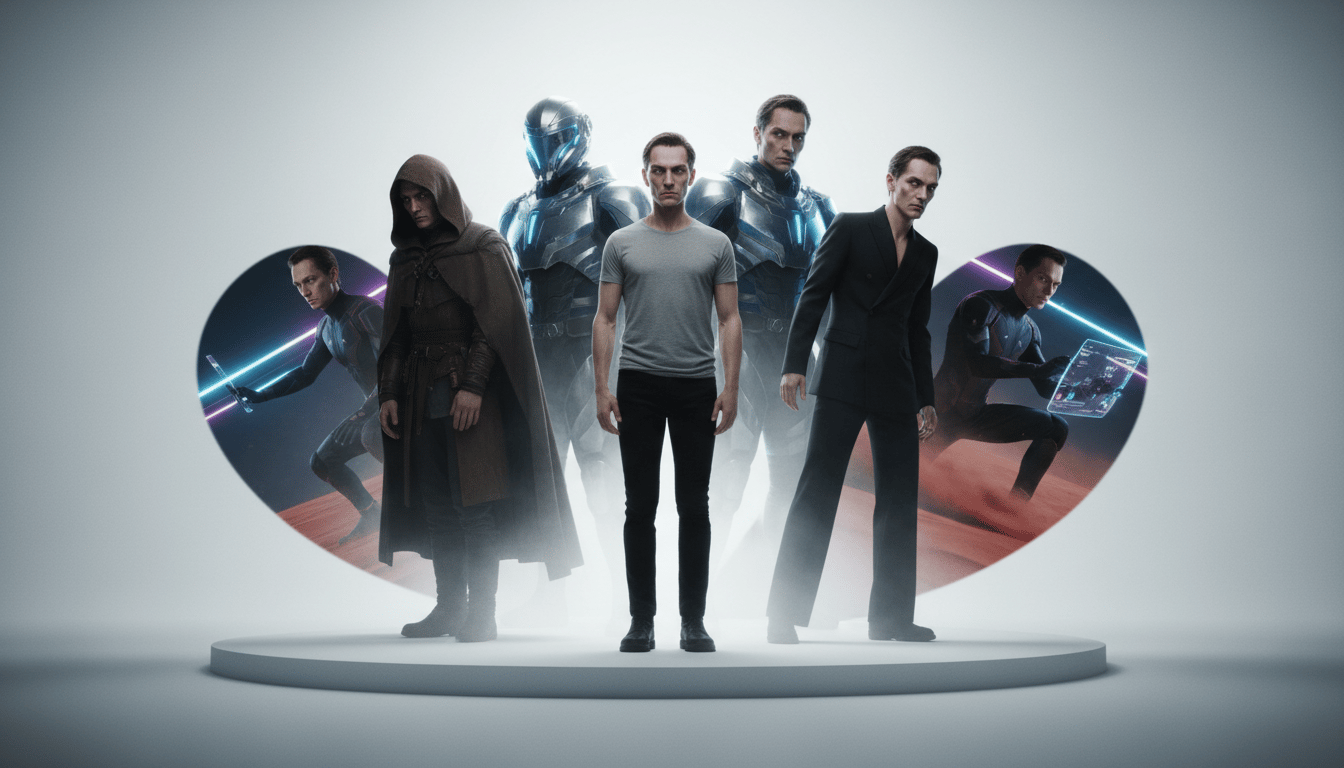
Hey there! If you've ever tried to make a comic book or a story with AI, you know the struggle. You generate a hero you love, but in the next scene, they suddenly have different hair or a completely different face. It’s frustrating, right?
Think of this like being a movie director. We need to make sure our 'actor' stays the same person, even when they change clothes or move to a new location. We’re going to use some clever tricks called 'references' to tell the AI, 'Hey, use this person for every shot.'
Don't worry if this sounds technical—it's actually just like giving the AI a photo to look at while it works. Let's get started!
Before You Start
- A subscription to Midjourney or a free account on Leonardo AI
- A clear idea of what your character looks like (hair, eyes, skin, etc.)
Steps
6 steps to complete this recipe
1
Write Your Character's 'DNA'
Before we open any apps, we need a solid description. Think of this as your character's ID card. You want to describe the things that never change: eye color, hair texture, and specific facial features like freckles or a certain nose shape. We'll use this exact text in every single prompt to help the AI stay on track.
A 25-year-old man with curly amber hair, a small silver hoop...Avoid generic terms like 'pretty woman.' Instead, try 'sharp jawline' or 'messy top-knot bun.' Small details help the AI recognize 'your' person.
2
Use Midjourney's Character Reference
Okay, now for the magic trick. Midjourney has a special code called --cref. First, generate your character and get the link to that image. Then, when you write a new prompt, just add --cref followed by your image link at the end. The AI will 'look' at that image to keep the face consistent.
[Your Prompt] --cref [Link to your image] --cw 100If you want to change their clothes but keep the face, add --cw 0 at the very end. This tells the AI 'only copy the face, not the outfit.'
3
Try Leonardo AI's Reference Tool
Next up is Leonardo AI. It’s a bit more visual. Look for the 'Image Guidance' tab on the left side of the screen. Upload your character's best photo there, and from the little dropdown menu, pick 'Character Reference.' Now, whenever you type a prompt, Leonardo will use that photo as a guide for the face.
You can slide the 'Strength' bar to High if the character starts looking too different, or Low if you want the AI to have a bit more creative freedom.
4
Lock Your Look with Flux
Flux is the new kid on the block, and it's incredibly good at faces. On a site like Replicate, look for 'Flux Kontext.' You just upload your reference image into the 'input_image' box. Flux is great because it understands skin texture and tiny details much better than older tools.
Combine this with a detailed prompt describing the new lighting or setting for the best results.
5
The 'Seed' Trick for Any Tool
If you don't want to use fancy reference tools, try 'Seed Locking.' Every image has a hidden 'Seed' number—kind of like a digital fingerprint. If you find a character you love, copy that seed number. In your next prompt, tell the AI to use that exact same seed. It keeps the 'noise' of the image the same, which helps keep the character stable.
[Character Description] in a rainy city street --seed 123456...In Midjourney, you find the seed by reacting to your image with a ✉️ (envelope) emoji. The bot will DM you the number!
6
Build a Character Sheet
Nice! You've got the tools. Now, the final step is to make a 'library.' Generate your character from the front, the side, and a close-up. Save these in a folder. Now, whenever you start a new project, you have the perfect reference images ready to go. You're officially an AI character designer!
Character sheet of [Description], front view, side view, bac...Having a 'Side Profile' image is super helpful for consistent results when your character is walking or looking away.
Key Prompts
Ready-to-use prompts for this recipe
1
Midjourney Character Reference
Midjourney[Your Prompt] --cref [URL] --cw 1002
Seed Locking
[Your Prompt] --seed [Number]3
Character Sheet Setup
Character sheet of [Description], front view, side view, back view, white backgr...Variations & Alternatives
The Aging Variation
Keep the same character but add 'elderly' or 'toddler' to your prompt while using the same --cref link to see them at different ages.
Style Swapping
Use your consistent character but change the art style to '3D Pixar style' or 'Vintage Comic'—the face will stay the same, but the art style will shift.



Related Recipes
Continue learning with these similar guides
Share Your Creation
Have a Recipe to Share?
Help the community learn by sharing your own AI creation workflows. Your recipe could inspire thousands of creators.
Submit Your Recipe